Need some clarification on what "all user accounts" in the "Registered Users" (default group) means please

Specifially, does “all user accounts” mean EVERY registered account on the YouTrack site? Or just the accounts that are part of MY project? Thanks for any help with this.
Please sign in to leave a comment.
Hello Jake,
Stan from YouTrack Support here, I'll be glad to assist you.
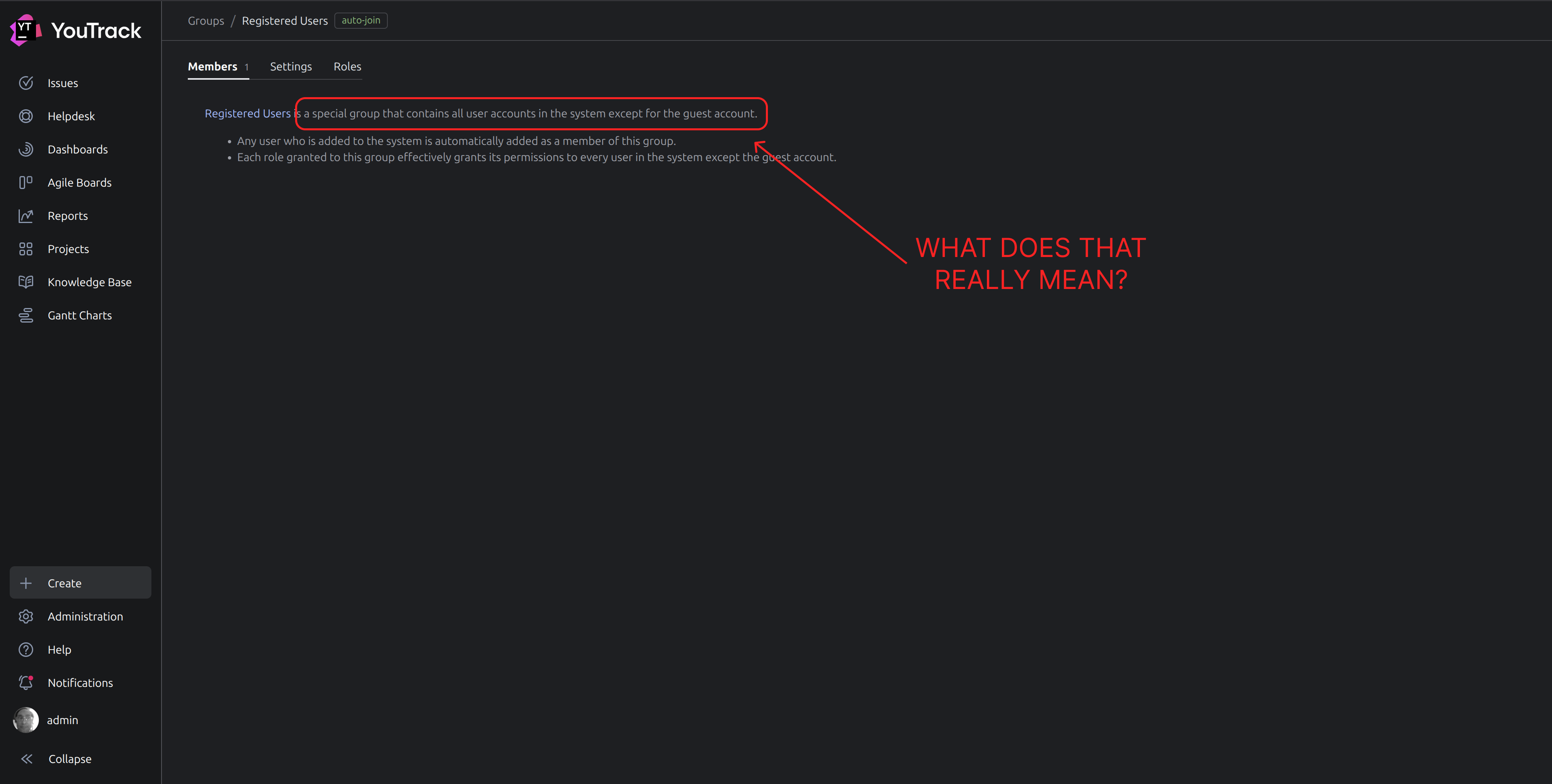
The Registered Users group includes all the users in your YouTrack instance, except for the guest user, it is not limited to a certain project in your instance.
If I understand the question correctly, you are supposing that every account registered in any of YouTrack instances would appear in the list. Every YouTrack instance is isolated and independent, there's no unified YouTrack space. If a user has access to Instance A, they will not be able to use the same credentials to access Instance B. You will only see the users that participate in your YouTrack instance.
Don't hesitate to reach out anytime if you have any questions. Have a nice day!
Thanks. I want to make certain that the permission doesn't mean any person who registers an account on YouTrack (or, if it does mean that then I need to know so I handle the situation properly). This is not the same as being exposed to the public since there are parts of the site (of any site) that can be accessed without being registered.
For example, if Joe Doe registers for a YouTrack account tonight he's not a member of the public any more - he's a registered user - and if I have that permission set (its set by default by the way) then does Joe Doe see my project (as a registered user)? I thought about seeing if I can see other people's project on YouTrack but even if that is a thing it wouldn't tell me what permission is making that possible. Sorry for the bother but I'm asking for clarification because its something that's critically important to know if you want to keep your project completely private.
---
Actually, I just looked at the screenshot in my op. I realize that its the words “the system” that are confusing me. By “the system” are they meaning the YouTrack website (like site wide)? Or are they meaning my instance (ie: the instance the permission is being set inside of)?
Hello Jake,
To avoid any confusion, please allow me to clarify the vocabulary.
YouTrack instance is a running installation of the YouTrack software. For example, your Cloud instance that you access at
your_company_name.youtrack.cloudor a YouTrack Server instance installed on your own hardware.YouTrack project is an entity within your instance that contains all the issues and articles that are related to the project's effort as well as the team members who work on the project.
If Joe Doe registers an account in your YouTrack instance, let's say
your_company_name.youtrack.cloud, they will automatically be added to the Registered Users group. The group, by default, has the observer role that does not allow them to see any projects, as described in the documentation. For a user/group to see a project you need to grant them access to the project with a role that allows viewing issues, for example, Issue Reader. You can find the guidelines on how to grant access to a project here.There is no unified YouTrack website/instance. YouTrack instances are independent of each other, if you register an account in
company_a.youtrack.cloud, your registered account give you access only to that instance. The ability for users that are not registered in a YouTrack instance to view the data in that instance is defined by the access of the guest account, as described in the documentation here.Let me know if any questions arise. Have a nice day!
Got it. Thanks so much. I appreciate your help.